1
Primary role
Source image
Provides composition, pose, and subject reference
Anime result
Adds a stylized anime visual language
Creative restyling
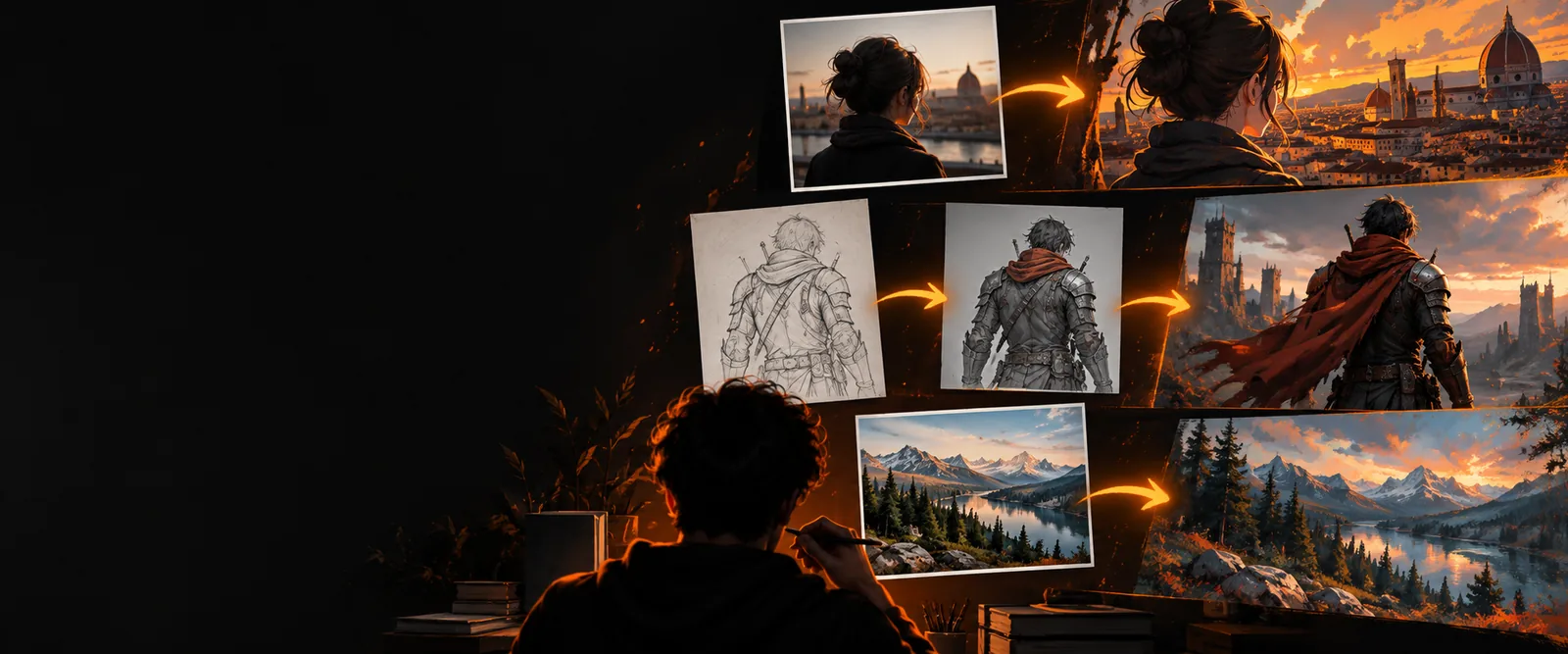
Image to anime ai turns a photo, sketch, or character reference into anime-inspired artwork while keeping the source subject recognizable. Upload an image and guide the visual direction with a focused prompt.
Variant overview
This workflow uses an existing image as visual guidance, then applies anime features such as simplified shading, expressive eyes, crisp linework, and stylized color.
Source image
Provides composition, pose, and subject reference
Anime result
Adds a stylized anime visual language
Source image
Natural textures and photographic variation
Anime result
Cleaner shapes, linework, and controlled shading
Source image
Contains the original face, clothing, or object
Anime result
Can preserve recognizable traits with suitable guidance
Source image
Original colors and lighting
Anime result
Cohesive palettes, cel shading, or cinematic anime tones
Source image
Clear portrait, character pose, sketch, or scene
Anime result
A focused transformation request with style direction
Source image
May contain noise, blur, or distracting background detail
Anime result
May alter small text, hands, accessories, or exact patterns
Source image
Framing and subject are already established
Anime result
Prompt and reference strength shape the final interpretation
Before and after
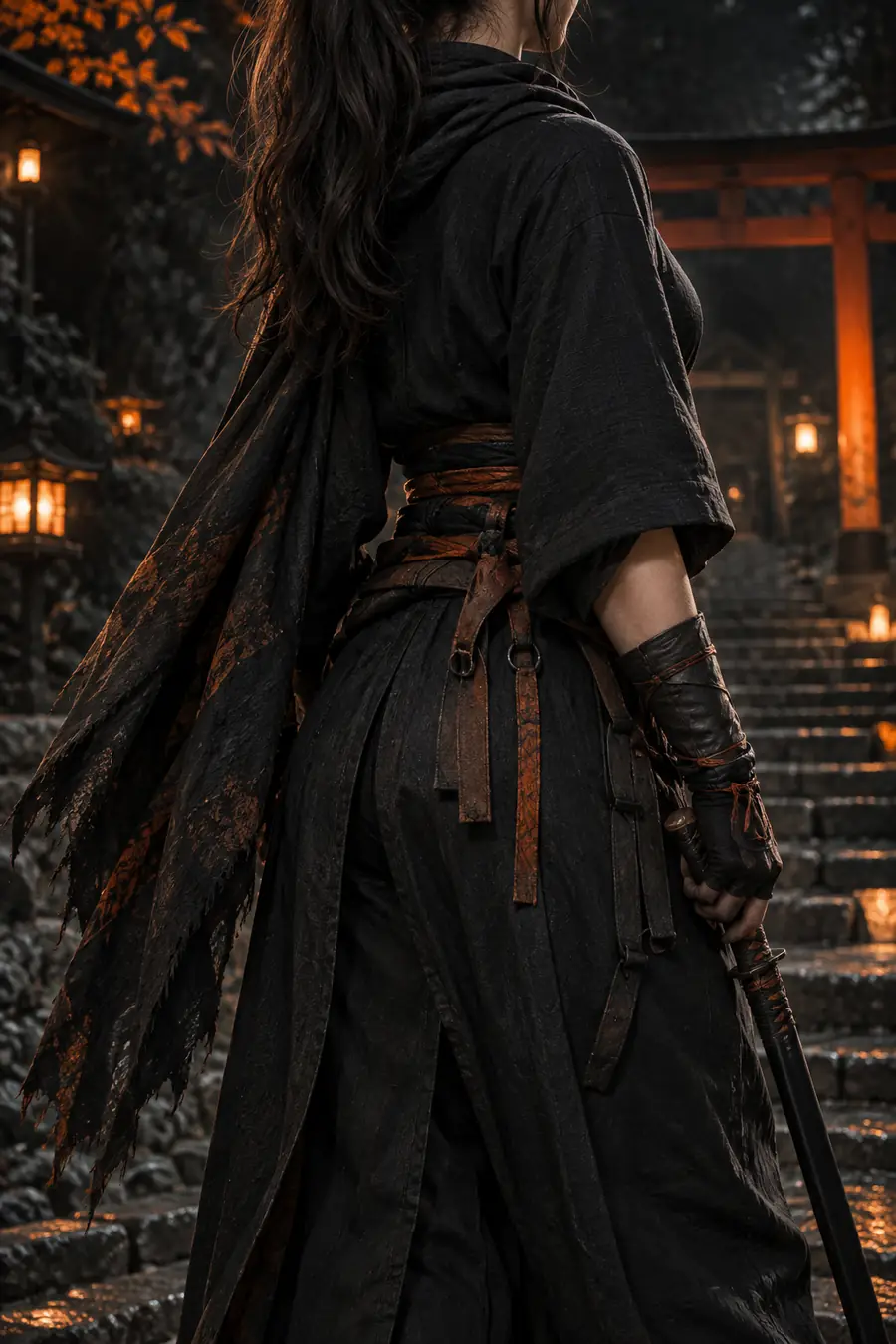
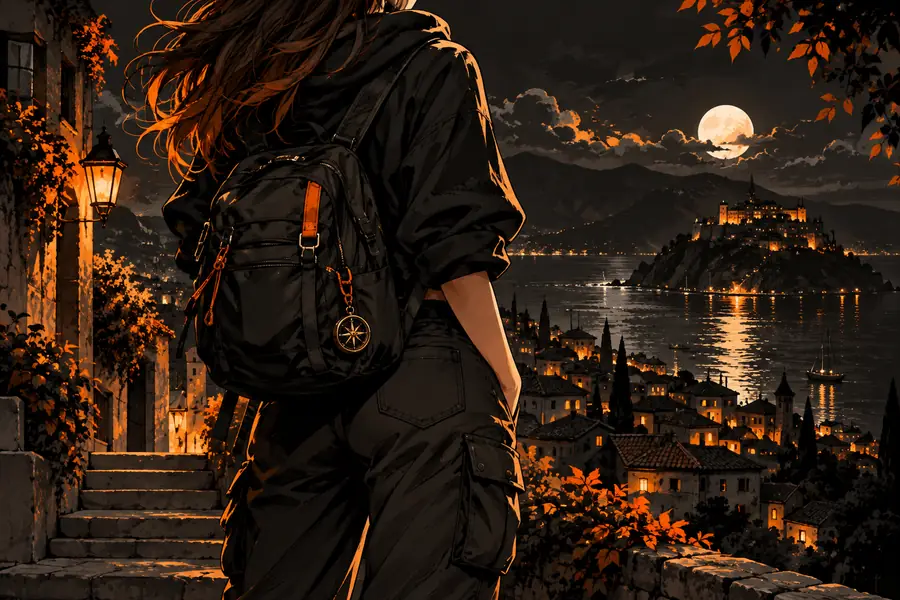
An anime conversion can make a familiar image feel more illustrative, expressive, and memorable without starting from a blank canvas.
Drag the divider to compare the transformation.
Practical uses
Different creators use the same source-guided workflow for different visual goals, from character exploration to social content.
Test several anime directions from one pose or costume reference.
Use image to pixel art when you want a deliberately low-resolution game look instead of smooth anime rendering.
image to pixel artBuild a consistent illustrated frame from a photographed scene or storyboard.
Choose image to video ai when the next step is animating a still image into a moving sequence.
image to video aiExplore facial styling, hair shapes, palettes, and lighting before refining a final drawing.
An ai image generator from image can provide broader variations when you want more than one anime treatment.
ai image generator from imageTurn a portrait into a recognizable avatar with a chosen anime mood.
A clear face, simple background, and specific style direction usually make the transformation easier to evaluate.
image to pixel artFormat evolution
The modern workflow combines earlier style-transfer ideas with stronger generative models and more direct visual guidance.
Research demonstrated that the content of one image could be combined with the visual texture and style of another.
Diffusion research improved high-quality image synthesis and became a foundation for later text and image-guided systems.
The release of widely used open diffusion models made experimentation with custom image transformations more accessible.
Reference, pose, edge, and structure controls made it easier to guide composition while changing artistic style.
Web tools combine upload-based guidance with prompts so creators can move from a source image to a polished anime concept quickly.
Make the first version
Start with a clear source and describe the traits that matter most: cel shading, expressive eyes, line weight, palette, mood, or background treatment. The first result gives you a concrete reference for refining the next version.
Variant FAQ
It transforms an existing photo, sketch, or character reference into anime-inspired artwork. The source image helps guide the subject, pose, and composition while the prompt directs the anime style.
Yes. A well-lit portrait with a clear face is a useful starting point for anime restyling. Results can vary in small details such as hair strands, jewelry, hands, and text.
It can preserve recognizable features when the source is clear and the transformation is guided carefully. It is still a generated interpretation, so exact identity, clothing details, and facial proportions may change.
Describe the desired anime treatment, such as cel shading, clean linework, expressive eyes, soft lighting, or a specific mood. Also state which parts of the source should remain consistent, including pose, outfit, or background.
Use a sharp image with a clear subject, readable silhouette, and limited background clutter. Front-facing portraits, character references, and simple scenes are usually easier to assess than dark or heavily blurred inputs.