Add a reference
Choose a photo, sketch, product image, or other visual that gives the generator useful composition and subject information.
Free visual workspace
Image to image ai free lets you start with a visual reference, describe the change you want, and explore a new result without installing a complex creative stack. Upload an image and give the generator a clear direction.
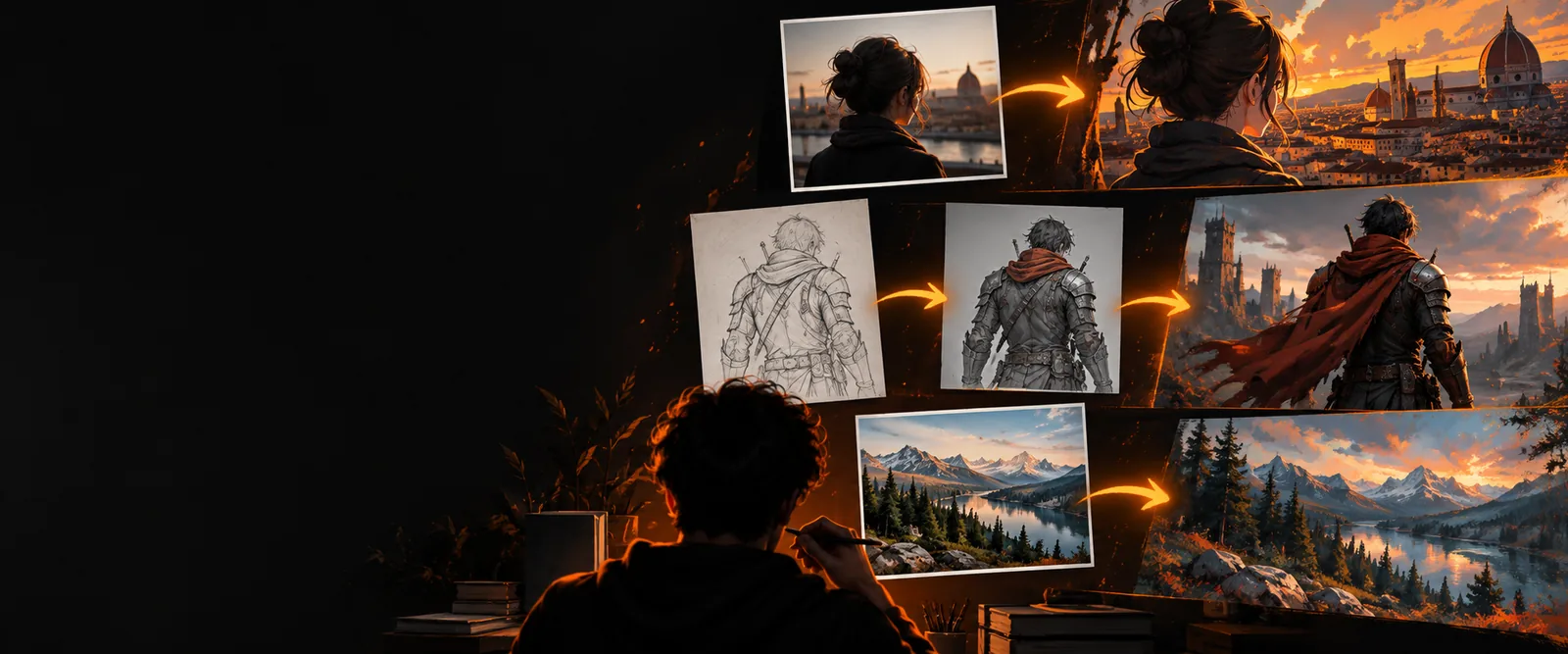
Keep exploring
Choose the workflow that fits your next experiment, from a straightforward browser tool to a more controlled local setup.
Start a lightweight workflow when you want to create without account friction.
Compare browser-based creation when you want access from different devices.
Focus on natural textures, believable lighting, and details that stay close to the source.
Browse practical transformations to find a direction for your own image.
How it works
The process stays practical: provide a visual anchor, explain the change, then review the output and refine the instruction if needed.
Choose a photo, sketch, product image, or other visual that gives the generator useful composition and subject information.
Name the style, setting, mood, materials, or level of variation you want. Specific language gives the edit a clearer target.
Inspect the result against the original, then adjust one idea at a time so you can tell which instruction improved the image.
Ways to use it
A free image workflow is useful when the source already contains something worth preserving but needs a different presentation, atmosphere, or style.
Turn a rough concept sketch into a polished visual direction before opening a full design application.
Test composition and mood quickly while keeping the original idea visible.
image to image tutorial for beginnersUse a finished photograph as the anchor for seasonal color, cinematic lighting, or an editorial treatment.
Explore alternate looks without rebuilding the scene from scratch.
image to image ai realisticDevelop several environment or character directions from a thumbnail, sketch, or existing reference.
Move from rough visual thinking to a more legible concept sheet.
image to image comfyuiAdapt a product photo into social, campaign, or seasonal visual concepts with a clear written brief.
Create more directions for review before committing to a final shoot or layout.
ai image generator from imageSee the shift
The source image supplies visual structure; the instruction guides the new treatment. The result can move substantially while still reflecting the original reference.
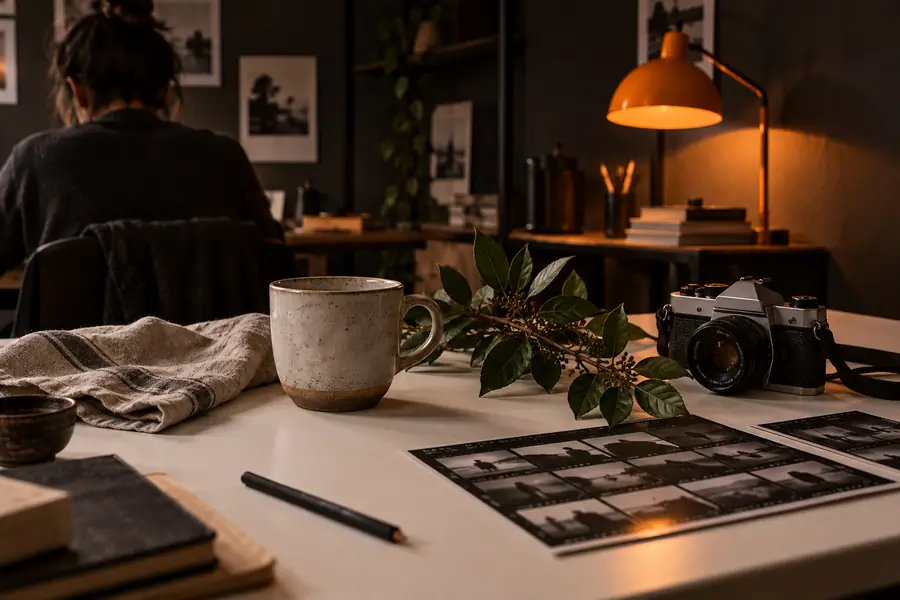
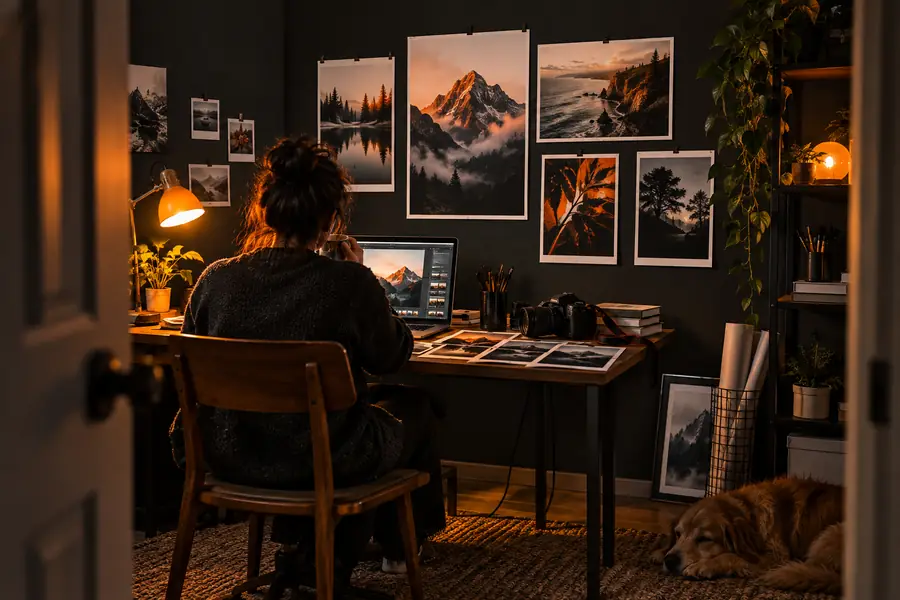
The closer the brief is to your intent, the easier each refinement becomes.
At a glance
These are the core quantities in a typical transformation brief—not performance promises, but the pieces you control when preparing an edit.
Choose your starting point
Both approaches can begin with a source image, but they suit different levels of setup, experimentation, and control.
Free browser workflow
Open the tool and provide an image with a written direction.
Technical local workflow
Install and configure a model, interface, and supporting files.
Free browser workflow
Fast experiments, early concepts, and occasional visual edits.
Technical local workflow
Repeatable pipelines, advanced controls, and deeper customization.
Free browser workflow
A reference image plus a plain-language instruction.
Technical local workflow
A reference image plus model, sampler, settings, and workflow choices.
Free browser workflow
Change the prompt and compare the next direction.
Technical local workflow
Change prompts, parameters, nodes, models, or preprocessing.
Free browser workflow
Low; the interface handles most of the environment.
Technical local workflow
Higher; setup and troubleshooting are part of the process.
Free browser workflow
Convenient control over the requested visual direction.
Technical local workflow
More granular control when you need reproducible technical results.
Free browser workflow
A style shift, mood change, or concept variation.
Technical local workflow
A carefully tuned production workflow with saved settings.
Start with one idea
Bring an image you already have, describe the change in plain language, and use the first result as a practical starting point. A free browser workflow is enough to test whether the concept is worth developing further.
Common questions
Yes, you can begin with a reference image and a written instruction in a free browser-based workflow. Free access is best treated as a way to test ideas, styles, and directions before deciding whether you need a more advanced setup.
Start with an image that clearly shows the subject or composition you want to influence. A photo, sketch, product image, or concept frame can work, provided it gives the generator enough visual information to follow.
A short prompt can work, but useful details usually produce a more intentional result. Mention the subject, the desired style or setting, the mood, and anything that should remain recognizable.
It can preserve important elements when your instruction clearly asks for them, but the result is not guaranteed to match every detail. If composition matters, describe the areas that must stay stable and refine the request after reviewing the first output.
It is often enough for early concepts, visual references, and quick comparisons. If you need exact repeatability, extensive parameter control, or a saved technical pipeline, a more configurable local workflow may be a better next step.