1
Starting point
Reference image
Existing photo, sketch, render, or artwork
Generated image
Reference plus a written transformation prompt
Reference to result
An ai image generator from image starts with a visual reference and turns it into a new scene, style, or variation. Guide the result with a clear prompt while keeping the details that matter.
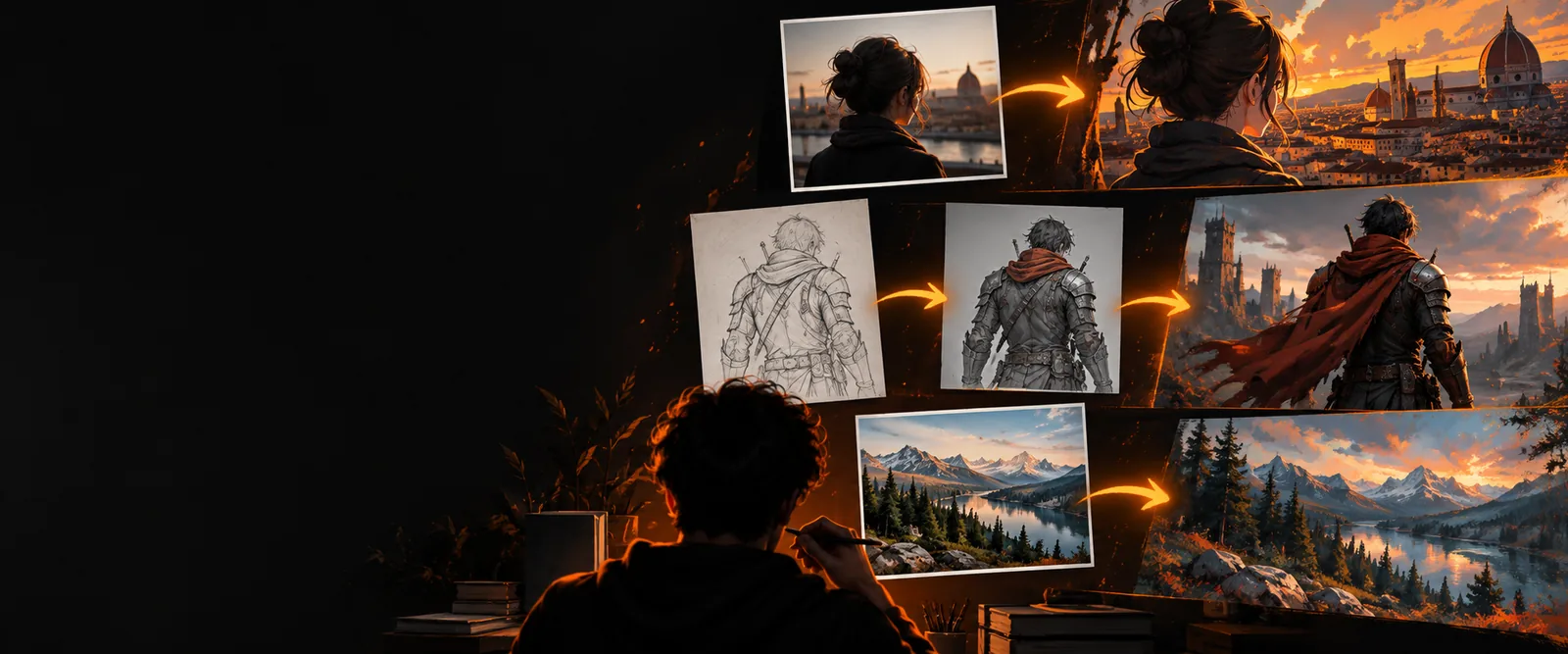
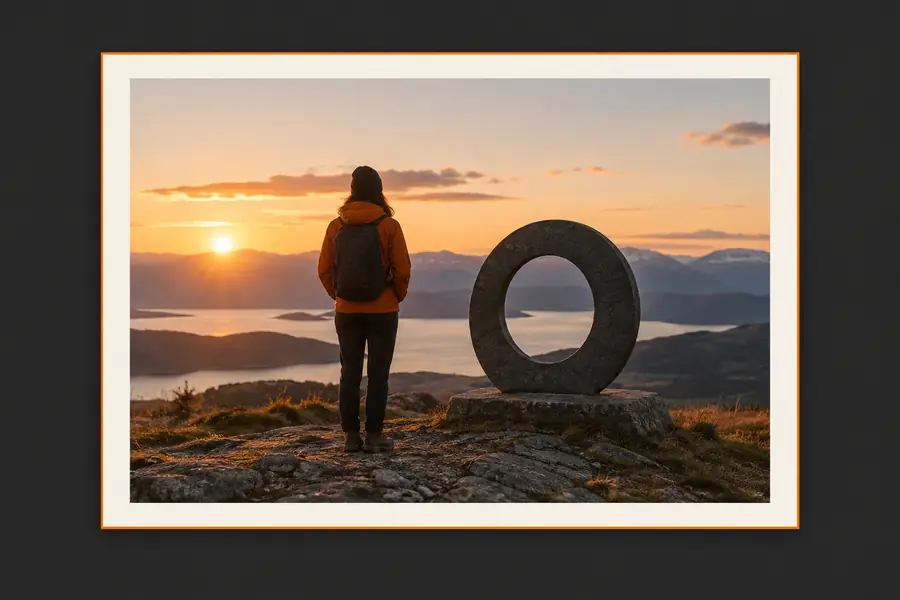
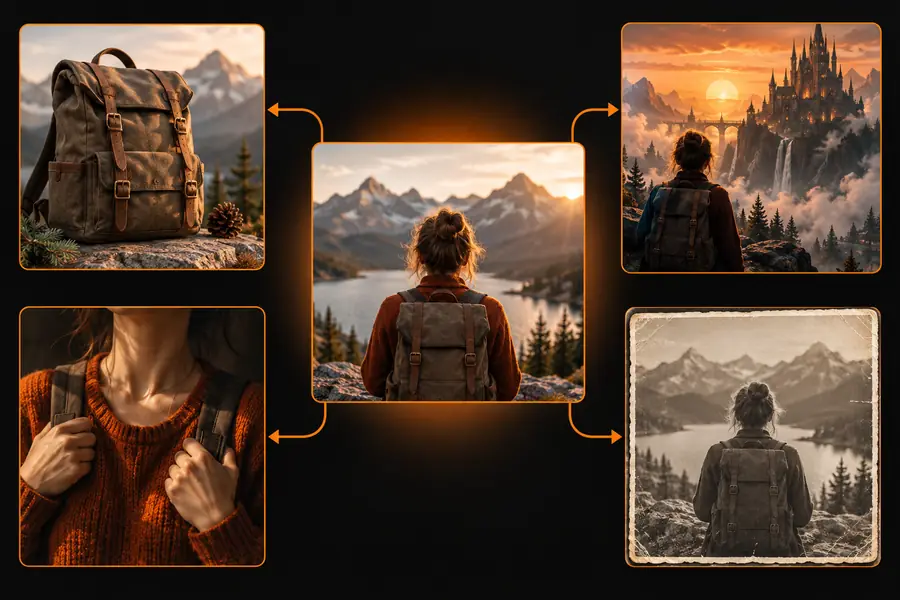
This workflow uses an existing image as a visual anchor instead of starting from words alone. The reference can guide composition, subject identity, colors, pose, or overall mood while the prompt defines the change.
Drag the divider to compare how the same visual idea can move from reference to result.
A reference reduces the distance between an idea and a usable result. The comparison below shows what each input contributes when you ask an image model to reinterpret an existing visual.
Reference image
Existing photo, sketch, render, or artwork
Generated image
Reference plus a written transformation prompt
Reference image
Provides framing, subject placement, and visual balance
Generated image
Can preserve, simplify, or deliberately rearrange the layout
Reference image
Supplies recognizable shapes, features, and proportions
Generated image
Reinterprets details according to the requested style
Reference image
May contain the original medium or lighting
Generated image
Can shift toward editorial, cinematic, painterly, anime, or realistic looks
Reference image
Controlling what the model should notice
Generated image
Exploring several finished directions from one idea
Reference image
A weak or unclear reference limits useful guidance
Generated image
A strong prompt can still introduce unexpected details
Start with the input that matches your goal, then describe the change rather than repeating every visible object. These routes help different creators move from a reference to a more specific output.
Use a rough sketch to test lighting, materials, costume ideas, and environment variations before refining the drawing.
You can compare several art directions while keeping the original composition as a guide.
image to anime aiFeed in a blockout, character pose, or environment thumbnail and ask for a finished visual direction.
A simple layout becomes a clearer production reference without losing the intended silhouette.
image to pixel artTransform one product, person, or scene into alternate campaign settings with consistent subject cues.
You get a practical set of visual variations for testing concepts and storyboards.
image to video aiUpload a personal photo and describe a new setting, season, outfit, or visual mood in ordinary language.
The original image becomes a starting point for playful, polished experiments.
image to anime aiThe process is simple: give the model a useful visual anchor, state the intended change, and inspect the result for the details you care about most.
Choose an image with a readable subject, stable framing, and enough detail for the model to understand the visual structure.
Name the new style, setting, lighting, material, or mood. Say what should remain recognizable and what should change.
Check the subject, composition, edges, and small details. Adjust one instruction at a time so you can see which prompt change helped.
These examples show how a concrete reference and a focused instruction can produce very different directions from the same image-to-image workflow.
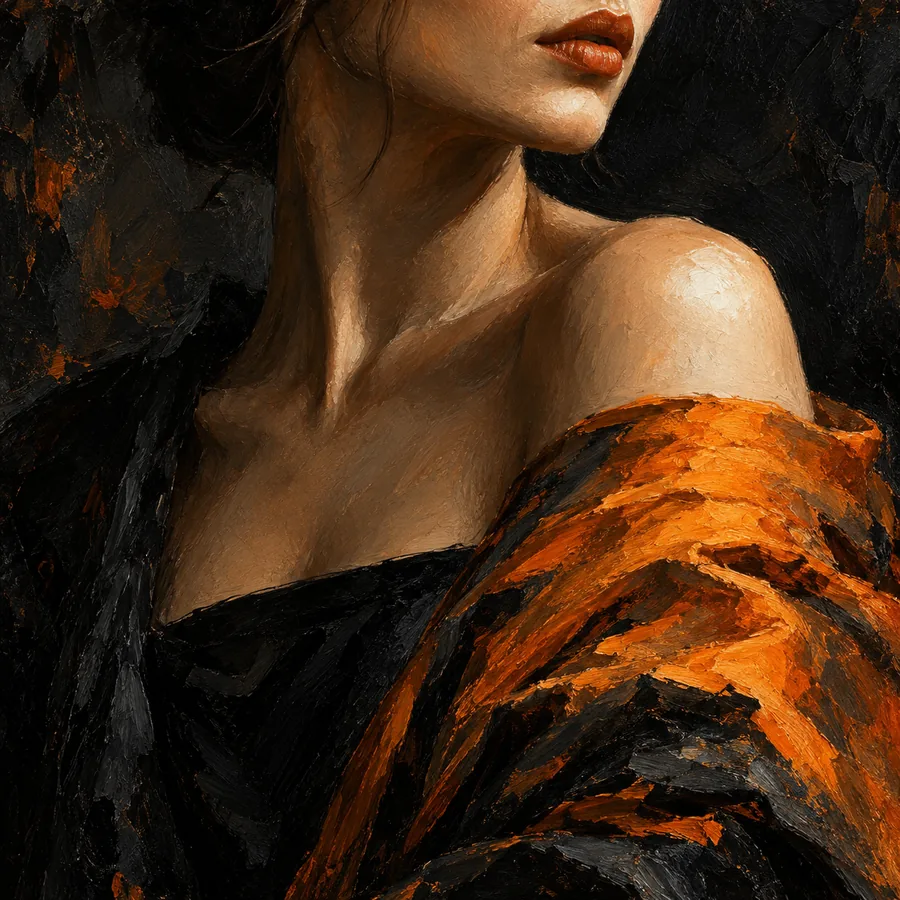 Style shift
1
Style shift
1
Transform the reference into a cinematic editorial portrait, warm window light, muted olive background, natural skin texture, 85mm lens.
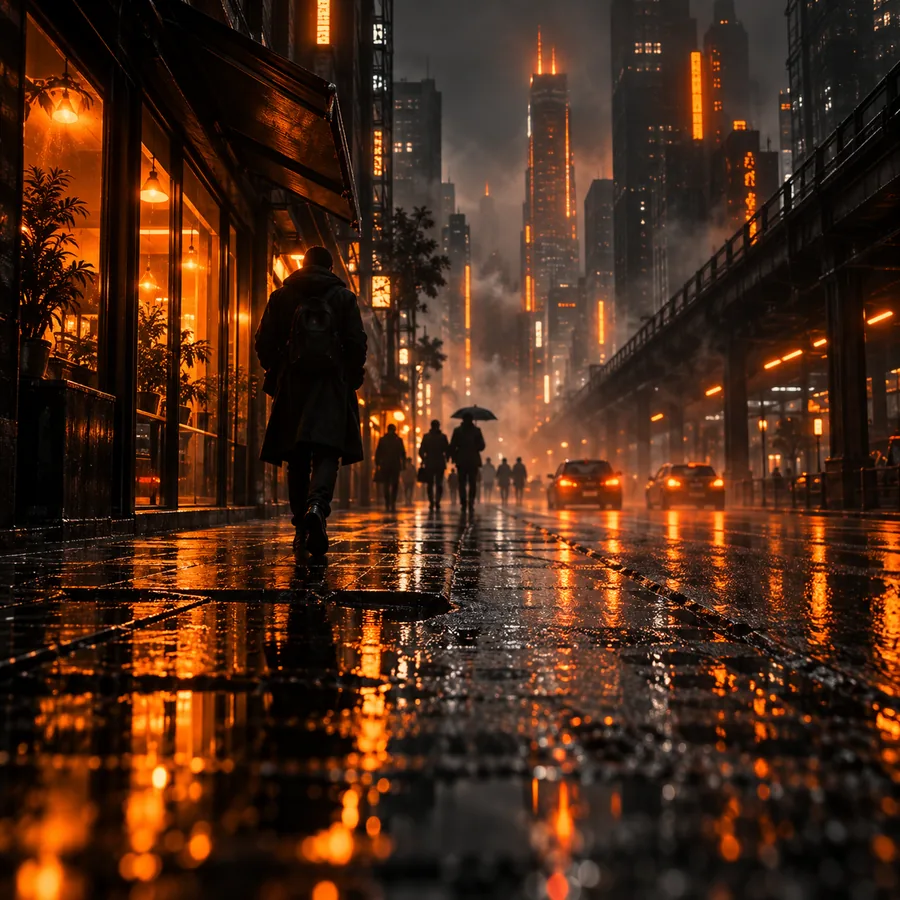 Scene change
2
Scene change
2
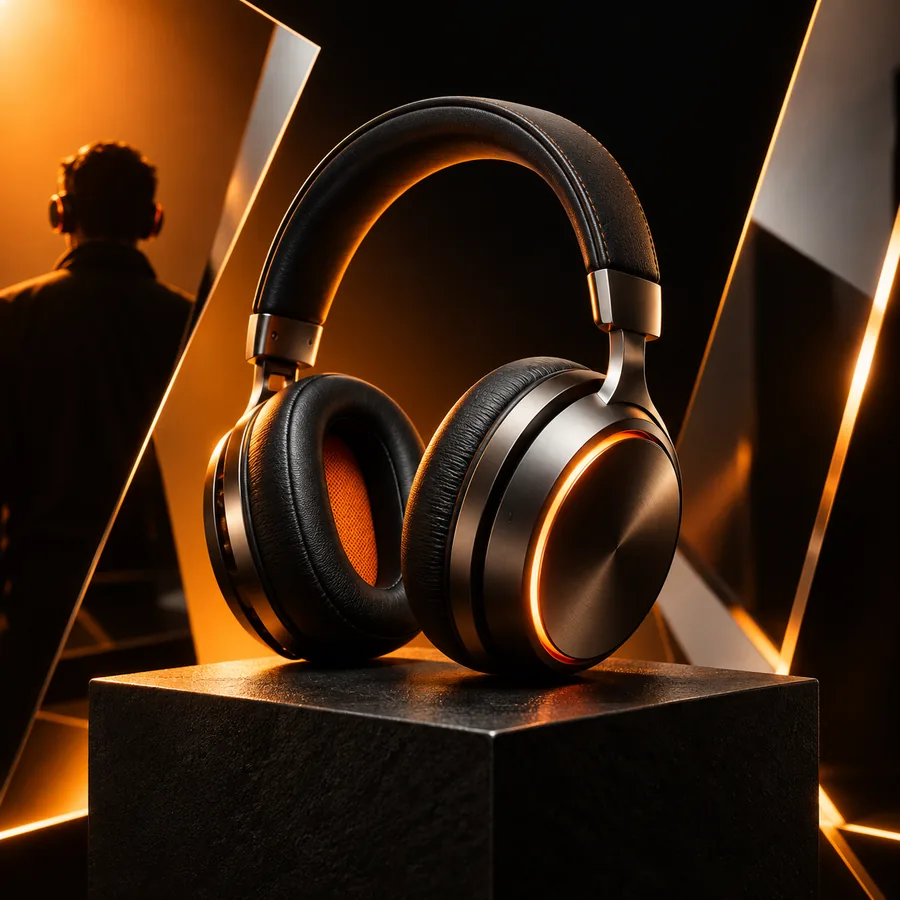
Reimagine the reference as a luminous fantasy garden at dusk, keep the main silhouette, add mist, glowing plants, and soft blue rim light.
 Subject redesign
3
Subject redesign
3
Turn the reference into a polished cinematic robot concept, preserve the pose and proportions, brushed metal, practical cables, studio backdrop.
Keep the subject and one desired change in each prompt; add style, lighting, or setting only after the structure is working.
Choose a more specific destination when your intended output has a distinct visual language or format.
Convert a reference into a stylized anime direction with clear character and scene cues.
Reduce a visual idea into a compact pixel-art style while keeping its most recognizable shapes.
Use a still reference as the starting point for a motion-focused visual concept.
Bring a visual idea, a useful prompt, and a specific change. The tool can help you explore directions quickly without rebuilding the entire concept from scratch.
It is a generative image workflow that uses an existing picture as visual guidance for a new output. You add a prompt describing the desired style, setting, subject change, or mood, and the model creates a fresh variation.
Yes, a photo can provide composition, subject cues, pose, colors, or lighting direction. Use an image that is clear enough for the important features to be recognized, then explain what should stay and what should change.
Start with the action you want, such as transform, reimagine, or turn into. Then specify the target style or setting and include one or two details that must remain consistent, rather than describing every pixel in the reference.
Not necessarily. A reference guides the output, but the model may alter small features, textures, proportions, or background details. Stronger prompts and clearer source images can improve consistency, while reviewing several variations helps you choose the closest result.
Portraits, sketches, product references, character poses, room layouts, and environment thumbnails can all work well. The best starting image has a distinct subject, readable structure, and a clear reason for the transformation.