Social creators
Give a product photo, portrait, or travel still a subtle camera move for a short post.
The image to anime ai route is better when you want a stylized illustrated transformation rather than natural motion.
image to anime aiStill to motion
Image to video AI helps turn one strong source frame into a short animated concept. Start with a clear subject, describe the movement you want, and review the result before refining it.
Who it suits
Different creators use still-to-motion workflows for different reasons, from quick social concepts to visual planning before production.
Give a product photo, portrait, or travel still a subtle camera move for a short post.
The image to anime ai route is better when you want a stylized illustrated transformation rather than natural motion.
image to anime aiTurn concept art into a moving mood reference with pans, zooms, and atmospheric changes.
Use image to pixel art when the intended output is a deliberately low-resolution game asset instead of a cinematic clip.
image to pixel artTest how a still mockup, package, or room scene might behave in a short presentation sequence.
An ai image generator from image workflow is useful when you need new visual variations before deciding what should move.
ai image generator from imageTool fit
A still-to-motion workflow is strongest when the source image is clear and the requested movement stays within the scene’s visual logic.
Source still
One JPG, PNG, or similar still image
Animated result
The uploaded frame becomes the visual starting point
Source still
Describe subject movement or camera motion
Animated result
A short clip reflects the requested action
Source still
Sharp subject, simple composition, visible depth
Animated result
Frames with room for movement and stable edges
Source still
Prompt wording and source-image selection
Animated result
Motion strength, duration, and output direction
Source still
Preserves the original visual reference
Animated result
May reinterpret faces, hands, text, or fine details
Source still
Check framing, lighting, and important details
Animated result
Check motion continuity and unwanted changes
Source still
A finished still or visual starting point
Animated result
A short concept clip for review, sharing, or editing
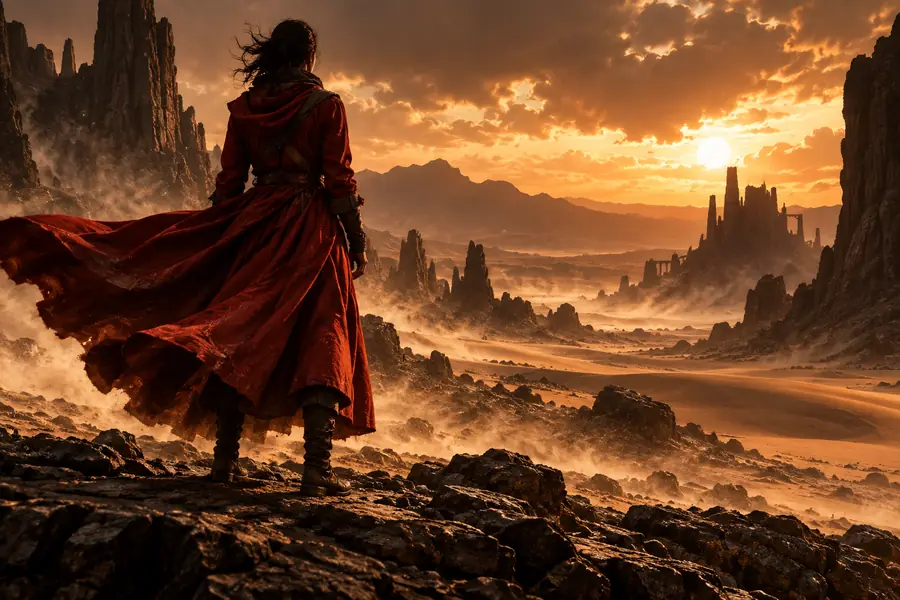
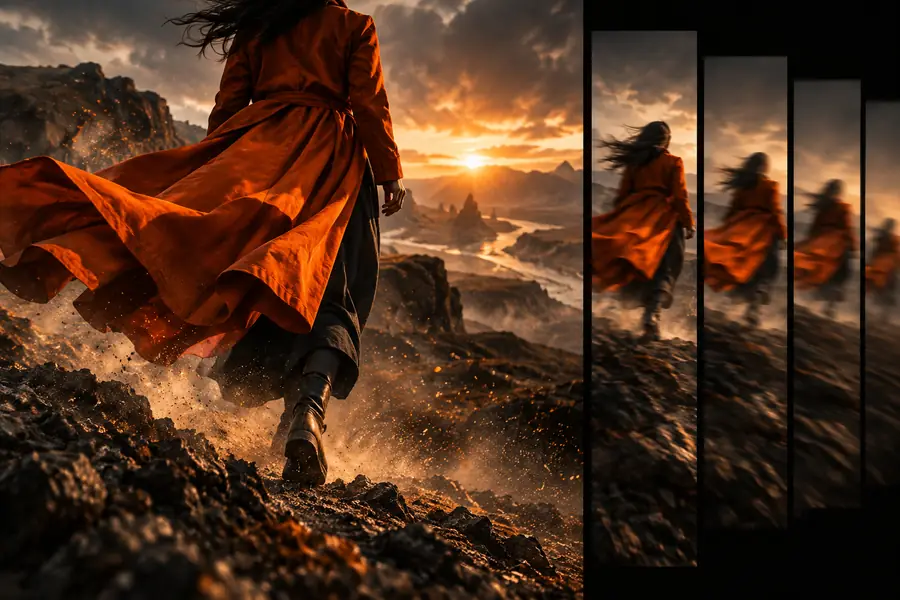
Visual check
Compare the source frame with a motion-ready interpretation before treating the clip as final. Look for changes in identity, edges, text, and background structure.
Drag the divider to compare both states.
Import steps
A clean import gives the model fewer ambiguities and makes the first result easier to judge.
Use a sharp image with the main subject separated from the background. Avoid tiny text, heavy compression, and cropped features you expect to move.
Ask for a focused action such as a slow push-in, drifting smoke, turning fabric, or a gentle head movement instead of combining many unrelated actions.
Check the first clip for identity drift, warped edges, and unnatural motion. Shorten the prompt or reduce the requested action when the scene becomes unstable.
Common import errors
Some problems begin before generation starts, while others appear because the source image asks for motion it cannot clearly support.
Low detail gives the model little reliable information for faces, objects, or edges.
WorkaroundUse the sharpest available frame and crop out irrelevant empty space.
Letters, labels, and brand marks can change shape as the scene moves.
WorkaroundTreat the clip as a concept draft, then add exact text during editing.
Complex instructions can produce conflicting movement or an unstable camera.
WorkaroundStart with one subject action or one camera action, then build gradually.
A strong zoom, turn, or lateral movement may expose areas that were never present in the source.
WorkaroundRequest subtle motion and leave visible space around the subject before importing.
Start creating
Bring a clear frame and a focused movement idea. The first result can reveal what works in the composition before you spend time on a longer production workflow.
Variant FAQ
It creates a short moving clip from a single still image and a description of the desired motion. Common uses include social posts, concept previews, mood references, and product presentation ideas.
A sharp, well-lit image with a clear subject and visible space around it usually gives the most dependable starting point. Simple compositions are easier to animate than crowded scenes with tiny details or dense text.
Yes, it can suggest camera movement, facial motion, fabric movement, or small product actions from a suitable source frame. Results may still change hands, facial details, logos, or fine edges, so review the clip carefully.
Instability often comes from a blurry source, conflicting motion instructions, or an action that requires unseen parts of the scene. Use a clearer frame and request one subtle movement before adding complexity.
It may be useful as a finished short concept, but it should not be assumed to be final footage. Check continuity, identity, text, and background details, then edit or regenerate where the motion does not hold together.